Online Resellers
Buyers who separate bulk inventory into individual products for ecommerce or marketplace resale.
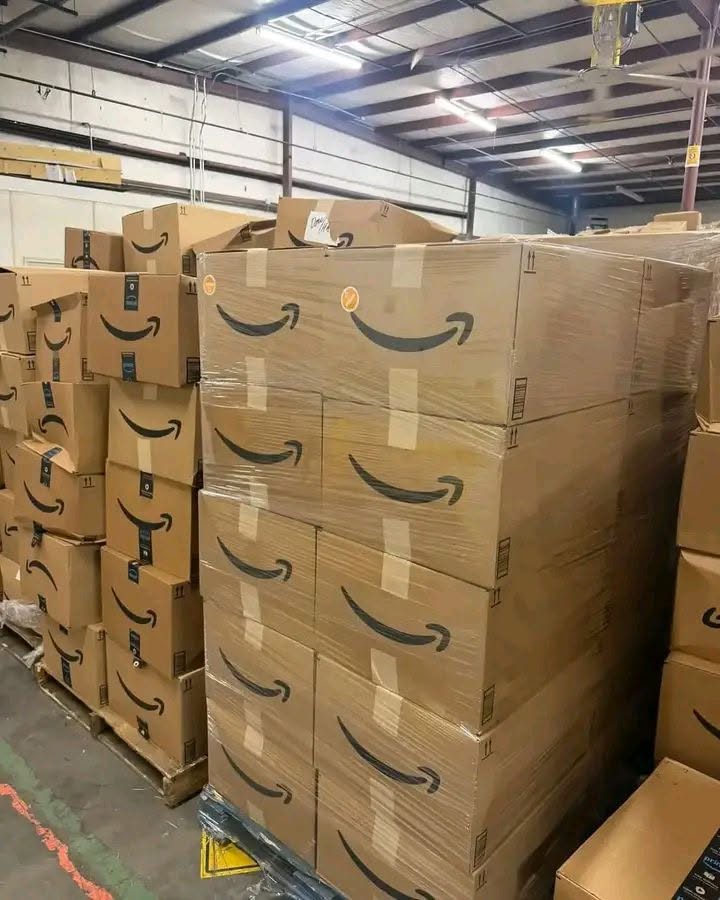
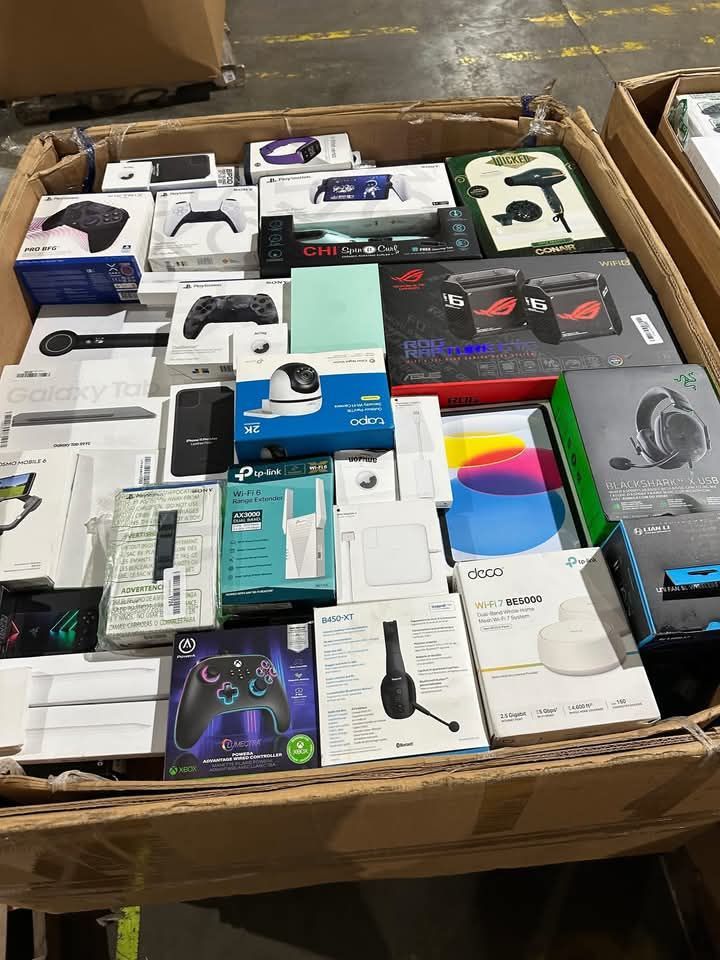
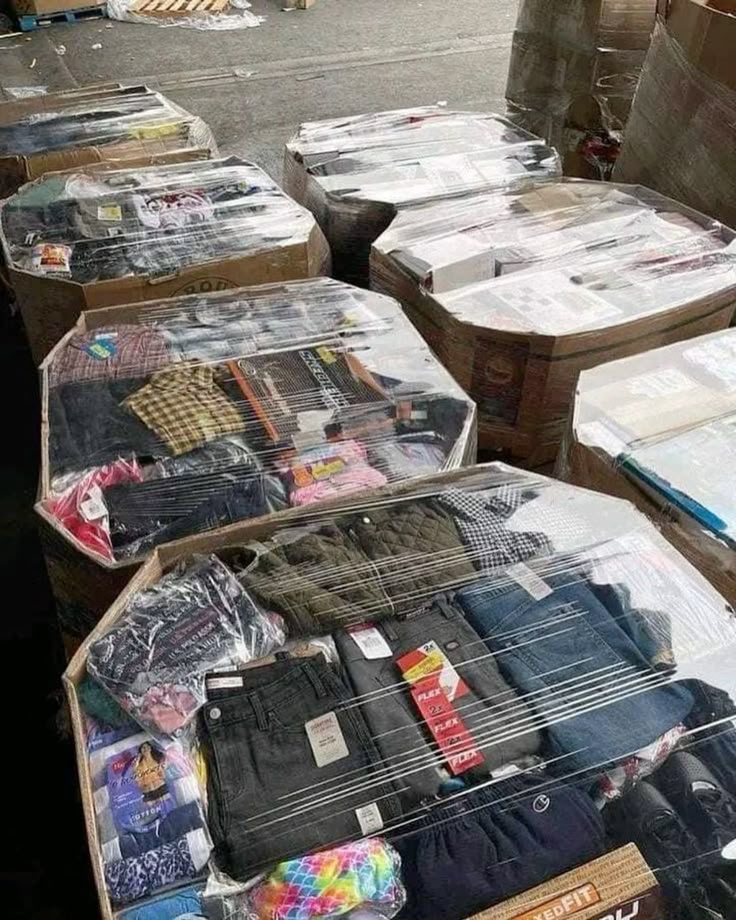
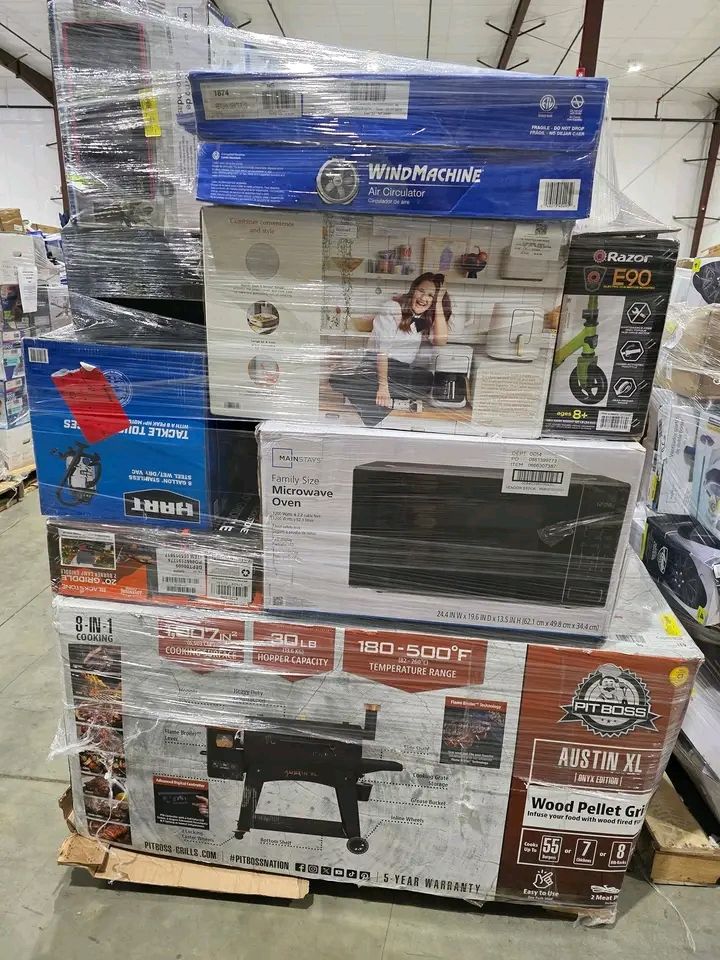
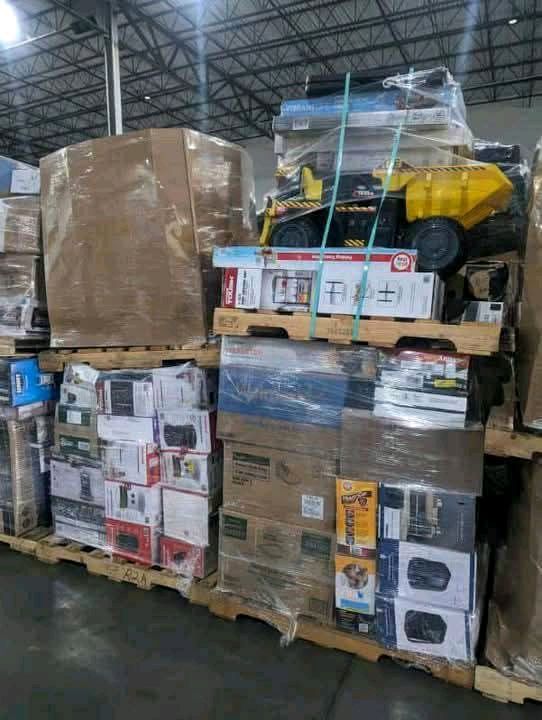
Browse Amazon liquidation pallets for resale, including customer-return lots, mixed merchandise, clothing and general merchandise currently listed in the Quick Lotz Liquidations catalog.
Products in this section are selected from the shared Quick Lotz product database using the Amazon Liquidation Pallets category. Product names, prices and clean product URLs remain connected with the main Shop catalog.
Amazon liquidation pallets are bulk lots of merchandise offered through liquidation channels. Depending on the individual listing, inventory may include customer returns, mixed merchandise, clothing or general merchandise.
The contents of one pallet can differ substantially from another. Buyers should therefore evaluate the information provided for the individual lot instead of assuming that every Amazon pallet contains the same merchandise, quantities or condition mix.
Amazon liquidation inventory can fit several resale models. The appropriate lot depends on the buyer's merchandise focus, sales channel, available storage and budget.
Buyers who separate bulk inventory into individual products for ecommerce or marketplace resale.
Stores looking for varied merchandise that can be sorted and priced for local customers.
Businesses using mixed merchandise in discount, auction or other fast-turnover resale formats.
Higher-volume buyers comparing individual pallets with larger liquidation lots and truckloads.
Review the information supplied for the individual listing and compare it with your own resale strategy before placing an order.
Check the product name, price, description, quantity information and images supplied for the specific lot.
A manifest should only be treated as available when the individual product listing has a confirmed manifest file.
Consider how the bulk merchandise will be received, unloaded, sorted and stored before you purchase it.
Compare the merchandise with the type of products your customers already buy and the channels where you plan to resell it.
Compare Amazon inventory with other dedicated merchandise categories in the Quick Lotz catalog.
Use the Buying Center and supporting pages to compare inventory, understand the purchasing process and review individual listings before ordering.
Start with the central resource area for liquidation buying information.
Review the site's step-by-step introduction to buying liquidation pallets.
Compare inventory through the dedicated brand pages connected to the current catalog.
Send the exact product name when asking about a specific pallet so the inquiry stays tied to the correct listing.
Common questions to consider while comparing Amazon liquidation inventory.
Contents vary by individual listing. Depending on the lot, inventory may include customer returns, mixed merchandise, clothing or general merchandise. Review the individual product page for the information supplied for that lot.
No. Inventory can vary by lot, so buyers should not assume every Amazon pallet has the same merchandise source, condition or product mix.
No. A manifest should only be displayed when a real manifest file has been confirmed for the individual product. The site does not label every pallet as manifested by default.
Yes. This category page displays products assigned to Amazon Liquidation Pallets in the shared catalog. You can also open the main Shop with the Amazon category selected.
Buyers interested in higher-volume inventory can also browse the dedicated Liquidation Truckloads section and compare the currently listed truckload products.
Visit the Buying Center and the How to Buy Liquidation Pallets guide for additional information, then review the individual product listing you are considering.
Send the exact product name you are considering so your question can be matched to the correct listing.